Overview
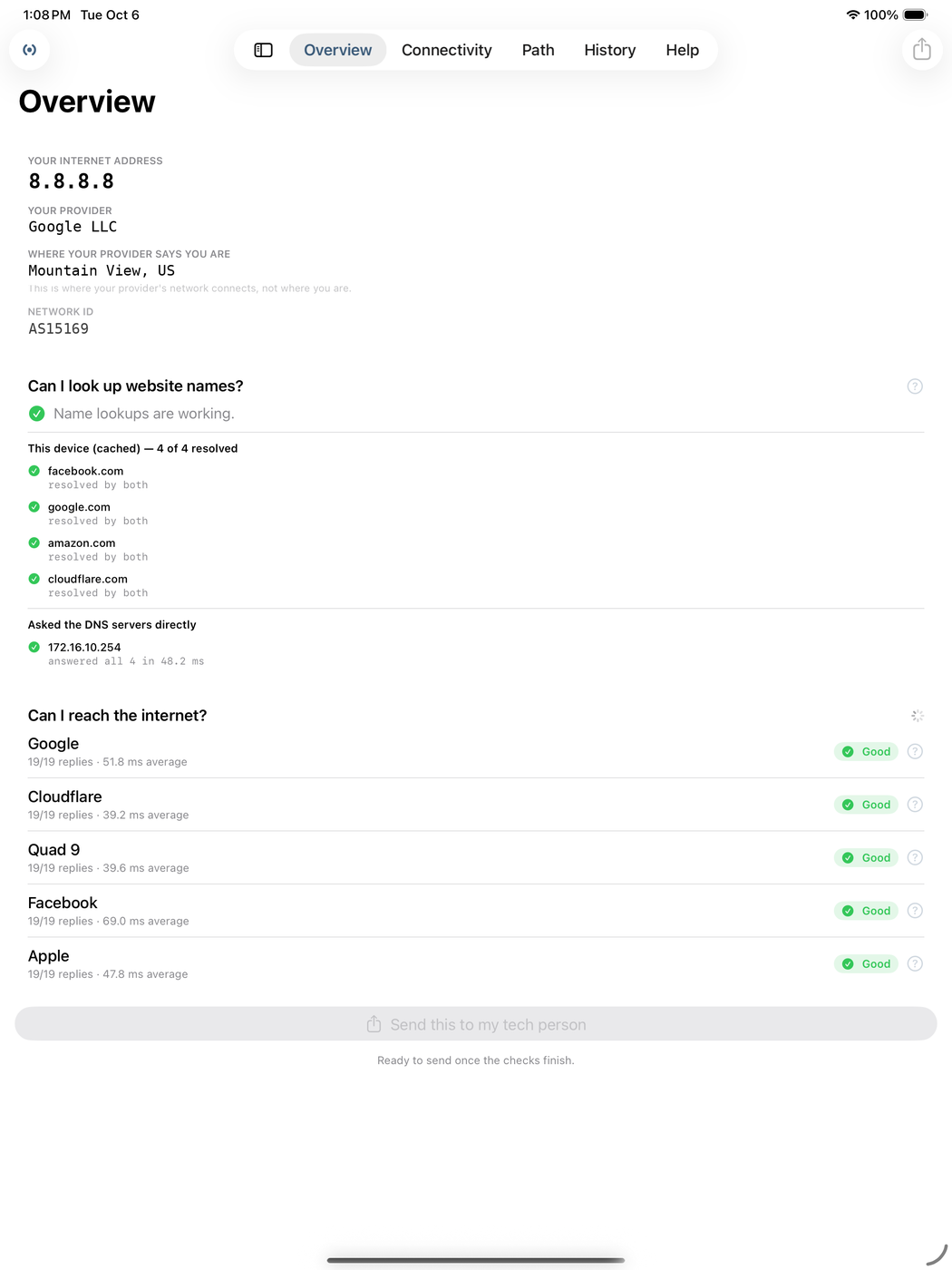
Who your internet provider actually is, the address the rest of the internet sees you at, and roughly where that puts you on the map.
- ISP and public IP
- Approximate location
- One screen, no digging
Your network, in plain language
Checks anyone can read — and a report you can send.
iPhone and iPad · iOS 26 or later · $4.99
Network tools usually hand you a wall of numbers and leave you to work it out. NetHelper runs the same checks and tells you what they mean, in sentences anyone can read. Four tabs, no jargon, no setup.
Who your internet provider actually is, the address the rest of the internet sees you at, and roughly where that puts you on the map.
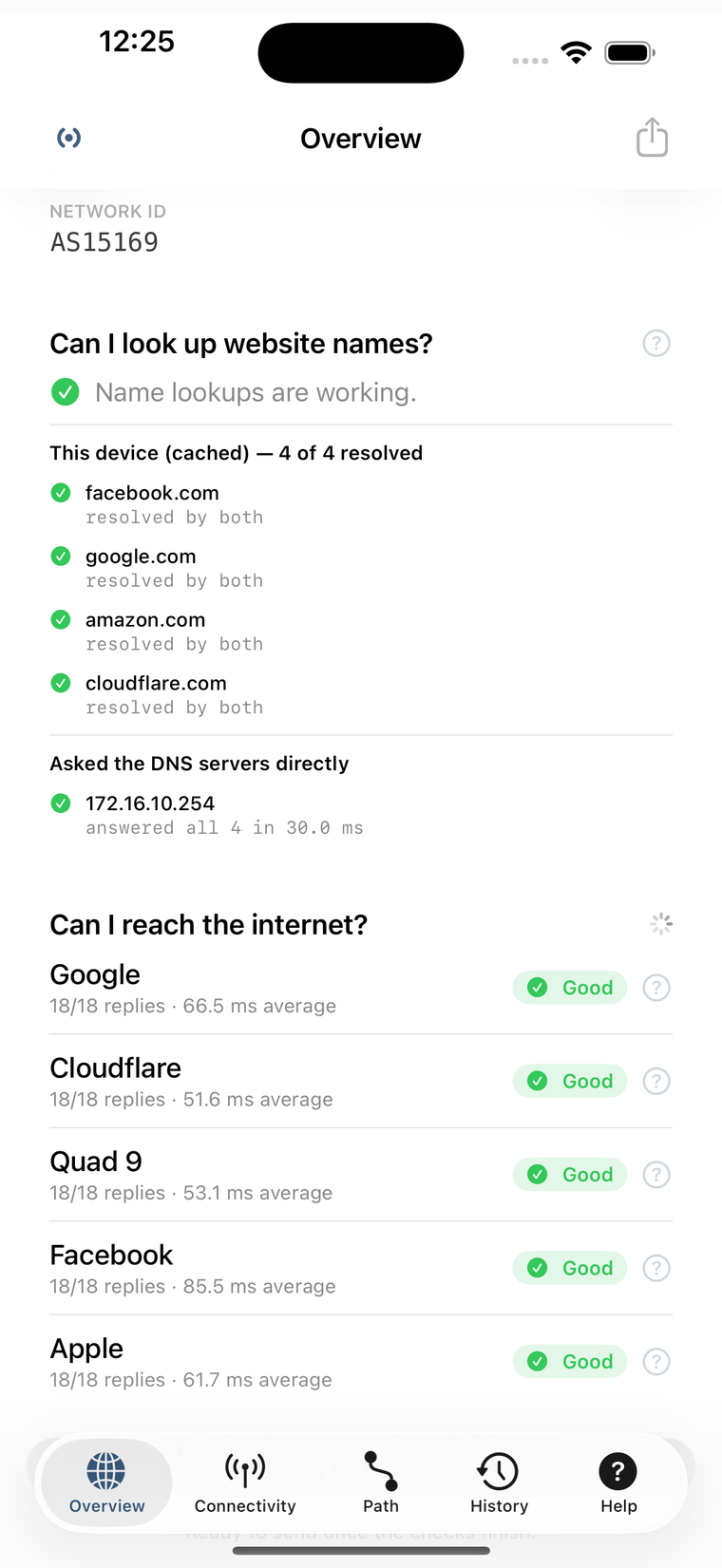
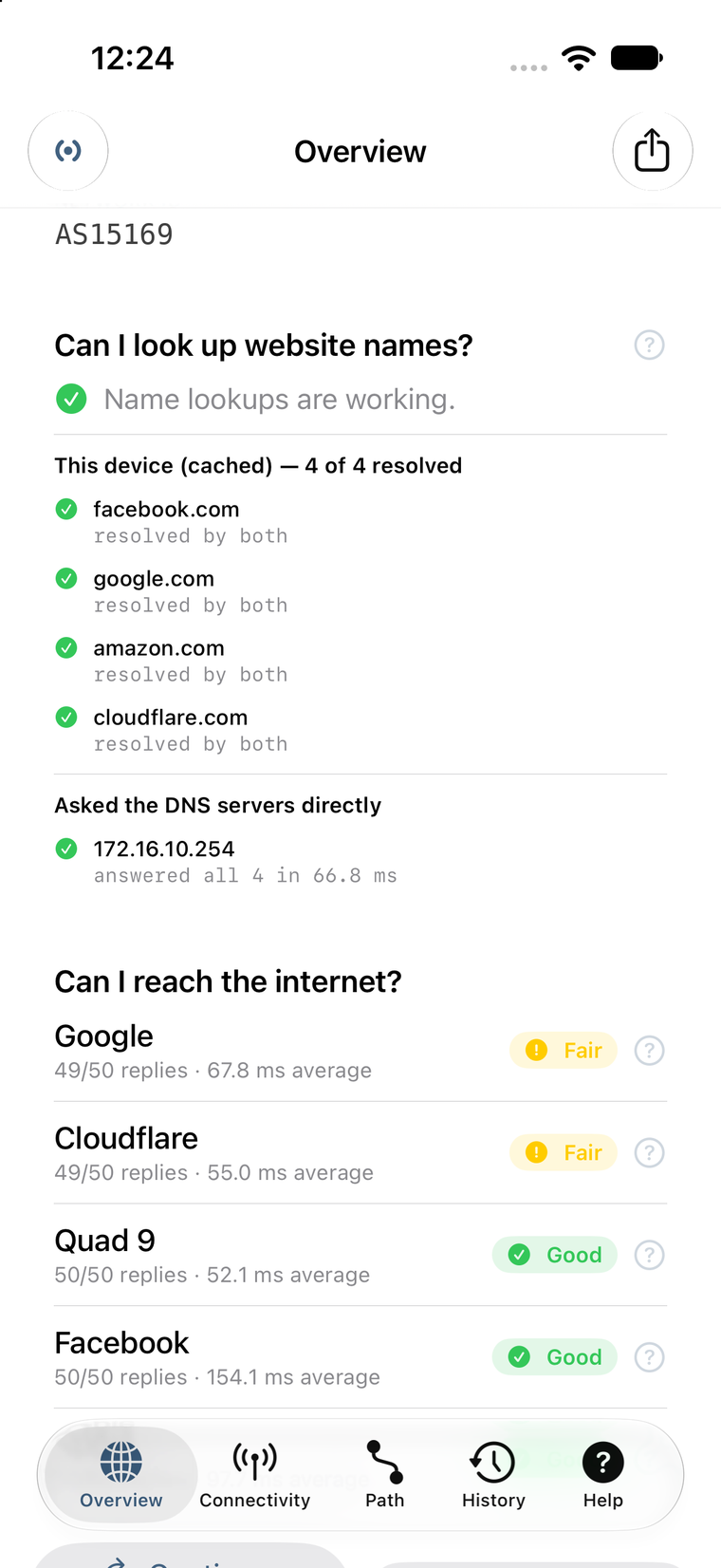
NetHelper pings five places the internet depends on — Google, Cloudflare, Quad9, Facebook and Amazon — and rates each one on how much of the traffic made it back.
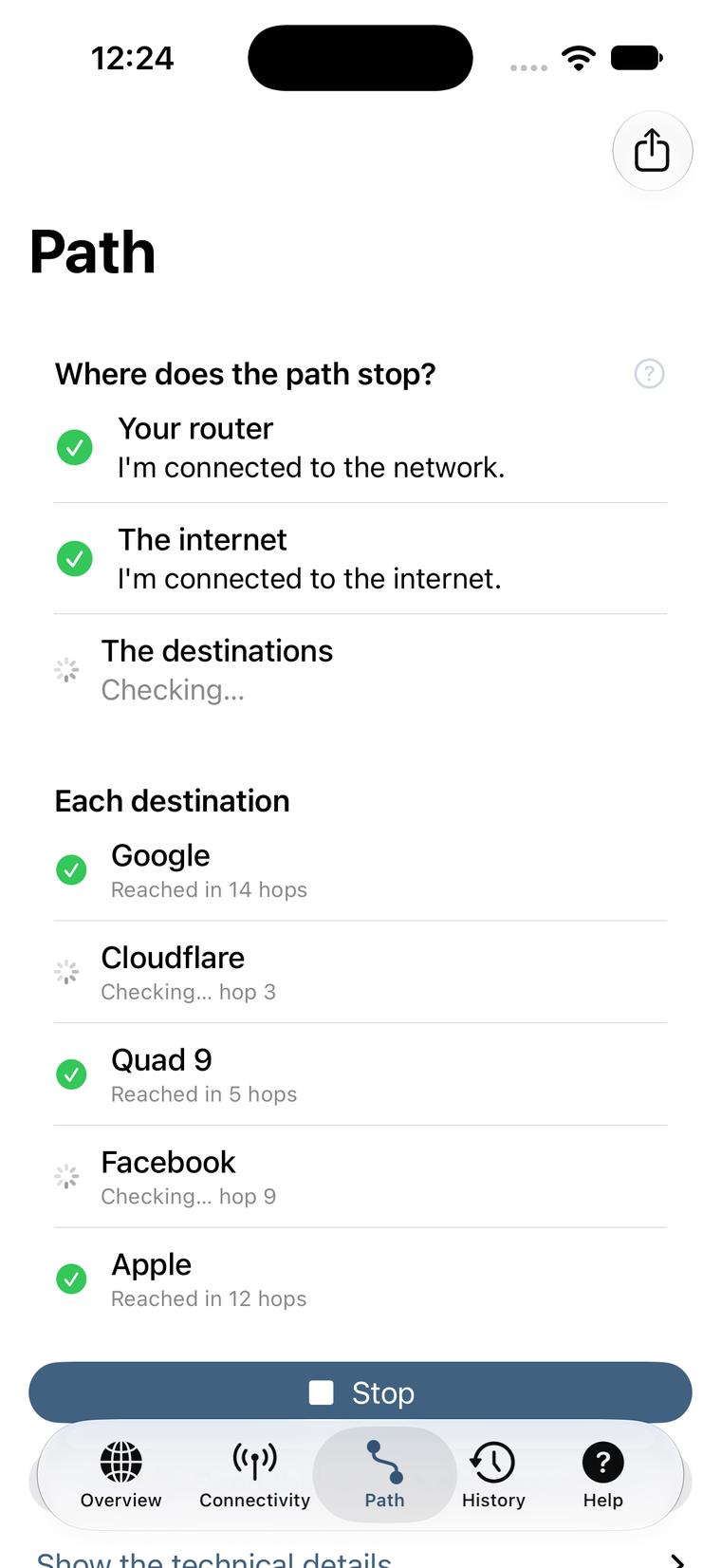
Every connection takes a path through your router, your provider and beyond. NetHelper walks that path and names the milestones in words instead of hop numbers.
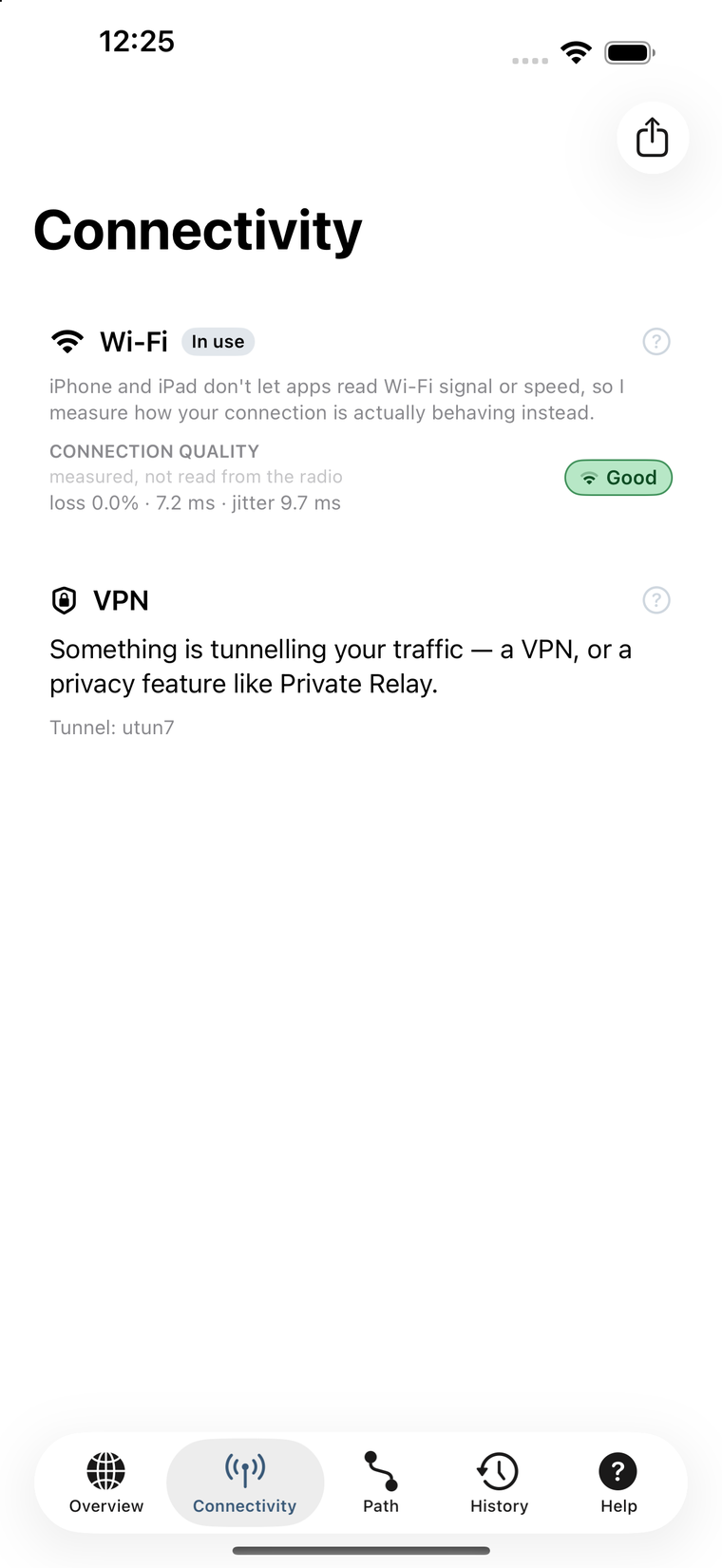
What your device is connected through, right now. Only the interfaces actually in use — no empty rows for hardware you aren’t using.
A rating comes from how much of the test traffic came back. That one number catches the problem most speed tests miss — a connection that is technically up, but dropping just enough to break calls and video.
When something is wrong, the hard part is describing it. NetHelper turns a complete check into a report you can hand over — to your IT person, your provider’s support line, or whoever in the family gets called about the Wi-Fi.
Sharing uses the standard iOS share sheet, so it goes wherever you already send things: Messages, Mail, Slack, a note to yourself. Nothing passes through us.
NetHelper does not collect, log, store or share any personal information, analytics or usage data. There is no account, no tracking and no profile of you anywhere — because there is nothing to keep.
Checks run from your device. Reports go straight from your device to whoever you send them to. Read the full privacy policy.
Bought once. No in-app purchases, no ads, nothing to renew, and no account to make.
US price. The App Store sets the equivalent in other regions.
Questions? Support is here.